Independent app · Built on Sand.ai's MAGI-2 model (announced Nov 24, 2026)

Magi-2 AI Video Generator

Generate 1080p videos with synchronized dialogue, foley, and ambient audio from text prompts or starting frames, up to 30 seconds.

0 / 1500

2 credits/sec · View credit packs & plans Est. 10 credits · 1080p · 25fps

MAGI-2 STUDIO 00:00 → 00:05 · 1080p · 25fps · AUDIO ON
01 // PLAYABLE 1080P REEL

Magi-2 AI Video Examples (1080p + Native Audio)

Watch five playable 1080p MAGI-2 showcase clips with native synchronized audio (official Sand.ai demos hosted locally for fast playback; clearly labeled as not generated on this site).

Multimodal / I2V 16:9 · 1080p · AUDIO ON

Visual Consistency & Native Sound Design Demo

DIRECTION Guided framing and subject continuity showcasing MAGI-2's physical motion fidelity and native sound design.

RESULT Consistent lighting, fine material textures, and locked audio-visual timing across dynamic camera framing in 1080p 25fps.

Source: Official MAGI-2 showcase video published by Sand.ai (not generated on this site).

Long-Take Demo 16:9 · 1080p · AUDIO ON

Continuous Multi-Beat Scene Showcase

DIRECTION Multi-beat continuous scene direction illustrating how MAGI-2 handles longer narrative takes up to 30 seconds.

RESULT Extended continuous shot demonstrating temporal coherence, smooth camera choreography, and synchronized soundscape without jarring cuts.

Source: Official MAGI-2 showcase video published by Sand.ai (not generated on this site).

Scene & Foley 16:9 · 1080p · AUDIO ON

Atmospheric Lighting & Foley Sync Showcase

DIRECTION Single-pass scene generation testing lighting reflections, subject motion, and synchronized ambient sound.

RESULT Rich atmospheric lighting, natural physics, and synced environmental foley rendered natively in 1080p without post-production dubbing.

Source: Official MAGI-2 showcase video published by Sand.ai (not generated on this site).

Camera Control 16:9 · 1080p · AUDIO ON

Director Camera Tracking & Audio Showcase

DIRECTION Director-style camera cue combining subject performance, depth of field, and ambient soundscape.

RESULT Dynamic camera tracking with crisp detail retention and synchronized native audio throughout the entire shot.

Source: Official MAGI-2 showcase video published by Sand.ai (not generated on this site).

02 // WORKFLOW & TELEMETRY

How to Use the Magi-2 AI Video Generator

Go from a single sentence or still frame to a finished 1080p MP4 with audio in three steps.

  1. 01

    Describe Scene & Audio

    Write your scene, camera movement, and sound cues—or switch to Image to Video and upload a JPG, PNG, or WebP starting frame.

  2. 02

    Pick Format & Length

    Select a 5–30 second clip length, choose your target aspect ratio (16:9, 9:16, 1:1, 21:9, 4:3, or 3:4), and keep Native Synchronized Audio switched on.

  3. 03

    Render & Download 1080p

    Click Generate 1080p Video. Watch live progress in the monitor, preview the finished clip with sound, and download the MP4 file.

Resolution & FPS
1080p · 25 fps
Clip Length
5–30 s
Audio Engine
Native Synced Audio
Aspect Ratios
16:9 · 9:16 · 1:1 · 21:9 · 4:3 · 3:4
Modes
Text-to-Video & Image-to-Video
03 // PRODUCTION USE CASES

What You Can Create with Magi-2 AI

Built for creators, marketers, and filmmakers who need cohesive visuals and audio without juggling separate tools.

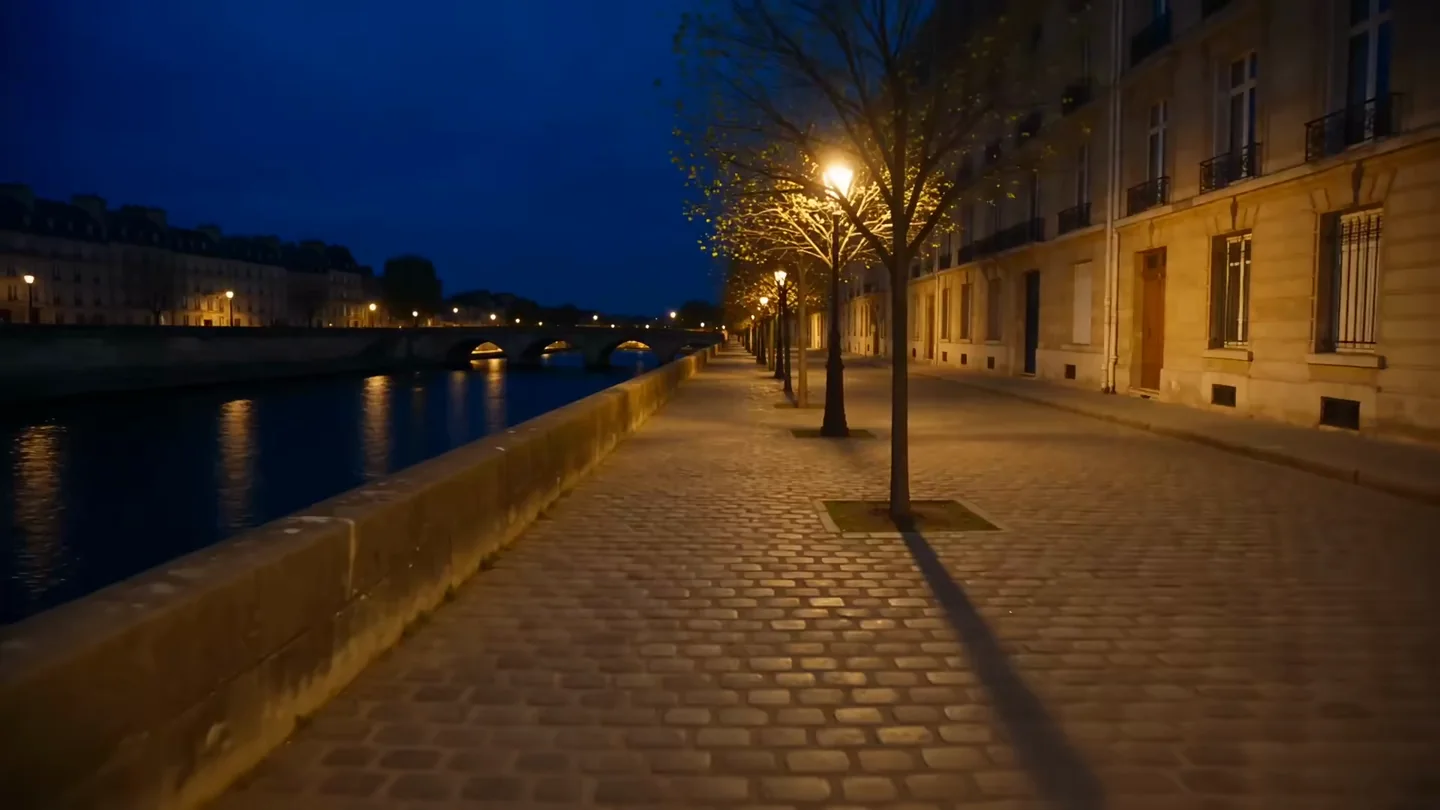
Evening riverside architectural scene illustrating cinematic product and brand commercials
E-COMMERCE & ADS

Product Commercials & UGC Clips

Turn a single studio product photo into a dynamic 5- or 10-second commercial clip with realistic lighting, steam or motion cues, and matching sound design.

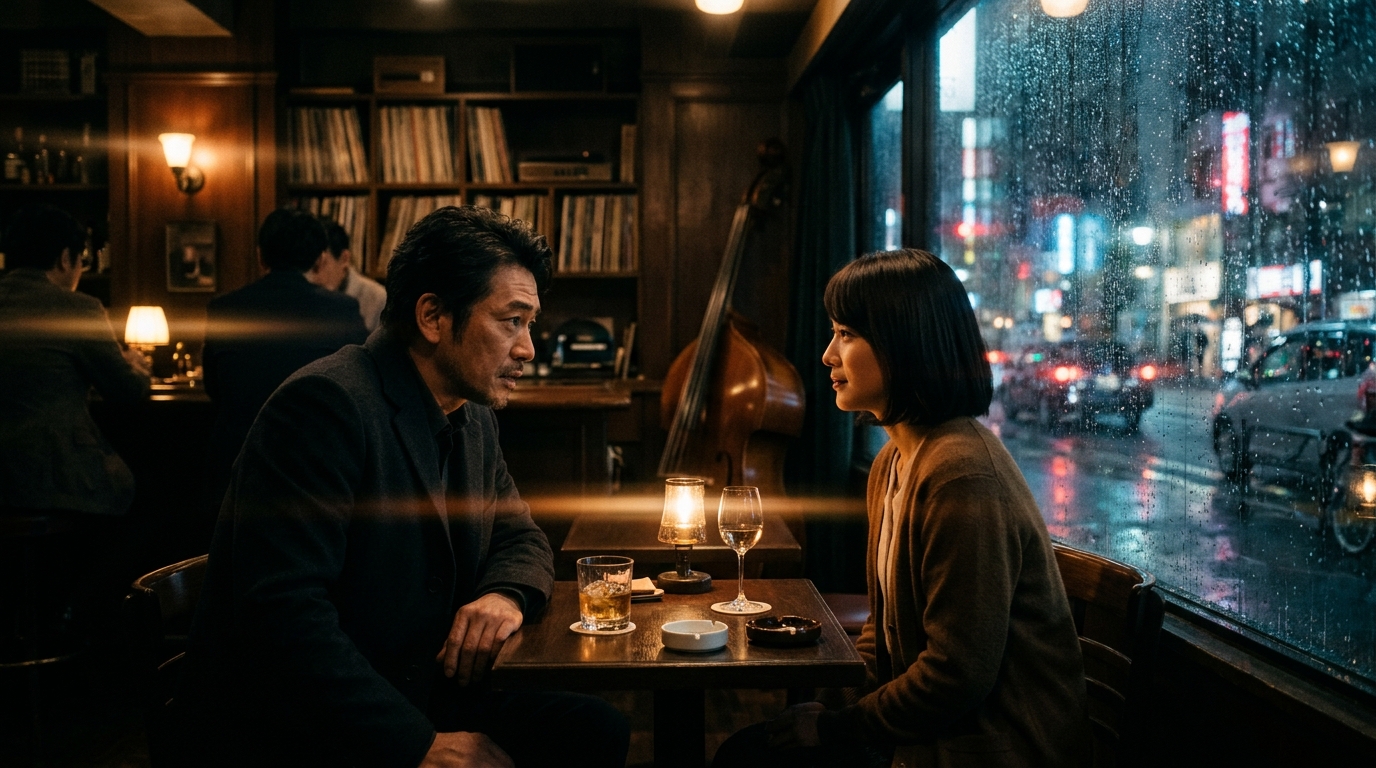
Two actors in quiet dialogue inside a rain-lit Tokyo jazz bar at night
FILM & STORYBOARDING

Dialogue Shorts & Pre-Visualization

Direct multi-beat narrative scenes up to 30 seconds where characters deliver quoted dialogue with synced lip movement and ambient room tone—no separate dubbing tool required.

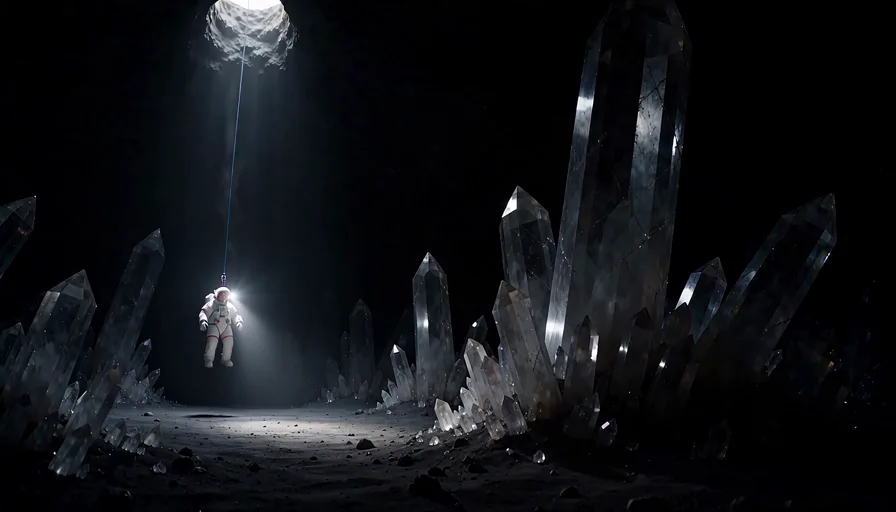
Astronaut standing inside a glowing dark crystal cavern illustrating concept art animation
DESIGN & CONCEPT ART

Image-to-Video Frame Animation

Bring concept art, architectural renders, or illustrations to life by locking the opening composition with Image-to-Video and guiding camera pans via text.

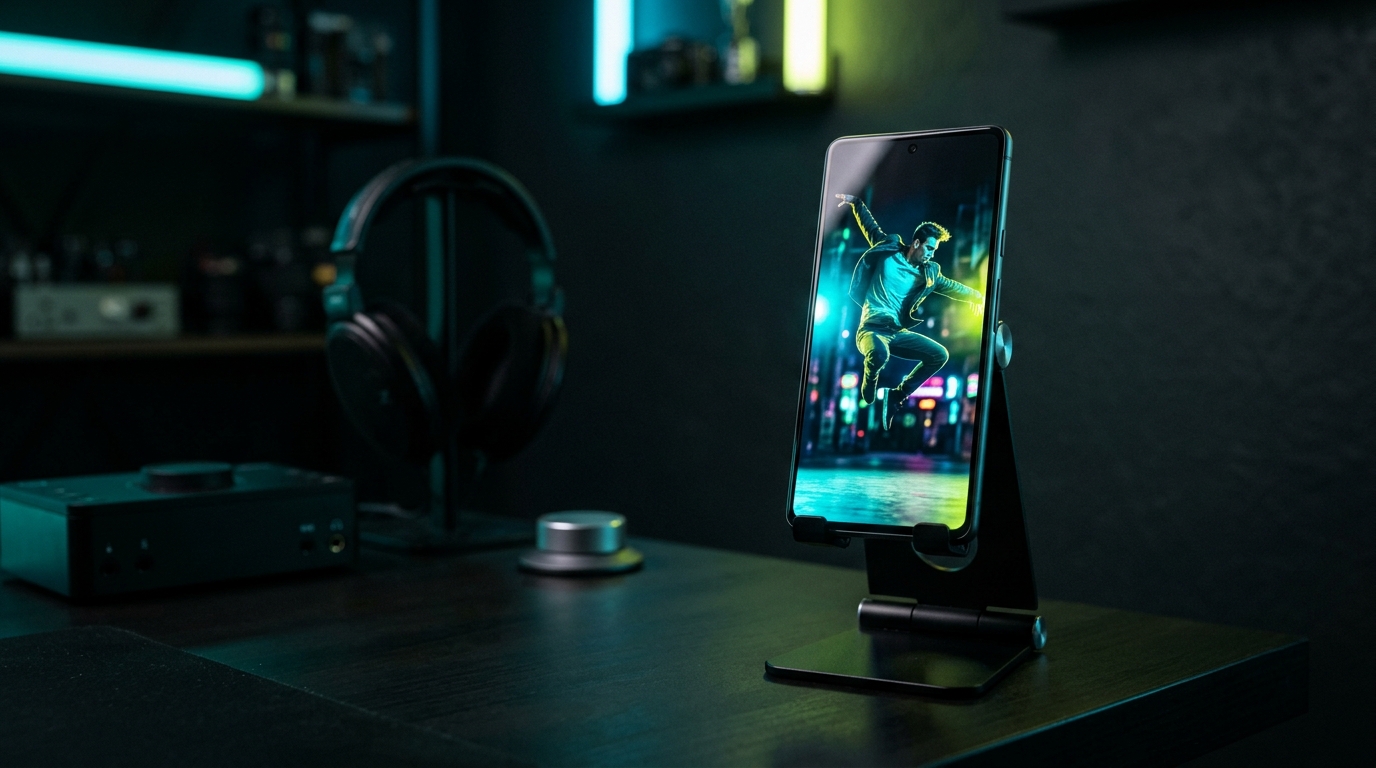
Dark creator studio desk with a vertical smartphone displaying a neon-lit street dancer
SOCIAL CREATORS

Vertical 9:16 Social Videos

Generate native 9:16 vertical clips tailored for YouTube Shorts, Instagram Reels, and TikTok without cropping away essential framing.

04 // ARCHITECTURE OVERVIEW

480B MoE · 1080p 25fps · Native Audio

The Magi-2 AI video generator brings Sand.ai's 480B Mixture-of-Experts video architecture directly to your browser. Unlike older silent text-to-video tools that force you to stitch voiceovers and foley tracks in a separate editor, MAGI-2 synthesizes crisp 1080p video at 25 frames per second together with synchronized dialogue, ambient soundscapes, and physical sound effects in a single pass—supporting continuous takes up to 30 seconds.

Whether you are prototyping a 5-second product reveal, animating a still storyboard frame, or directing a 30-second continuous scene with camera movement cues, Magi-2 AI keeps lighting, motion physics, and audio timing locked together. Choose between six native aspect ratios—16:9 widescreen, 9:16 vertical for Reels and Shorts, 1:1 square, 21:9 cinema framing, 4:3 classic, and 3:4 portrait—and download clean H.264 MP4 files ready for editing or publishing. Want the full architecture breakdown, release date, and comparison with MAGI-2 Preview? Read our MAGI-2 model specs and capabilities guide.

To get the strongest results from the Magi-2 AI video generator, structure your prompt like a director's shot list: specify the camera angle or motion (slow push-in, handheld tracking, macro close-up), describe the subject and lighting, and put any spoken dialogue inside quotation marks alongside ambient audio cues. For copy-ready 5s, 10s, and 30s templates and common pitfalls to avoid, see our Magi-2 prompt guide for dialogue, camera, and sound cues. Need help with privacy or copyright questions? Review our Privacy Policy, Terms of Service, or reach out via the Contact page.

05 // QUESTIONS

Magi-2 AI Video Generator FAQ

Straight answers on clip length, native audio sync, credits, privacy, and commercial rights.

What is the Magi-2 AI video generator?

Magi-2 AI is an online video studio built on Sand.ai's MAGI-2 Mixture-of-Experts video generation model. It creates 1080p videos at 25 frames per second—up to 30 seconds in a single pass—with synchronized native audio including dialogue, foley, and ambient sound from text prompts or starting-frame images.

Is this the official Sand.ai website?

No. Magi-2 AI (magi-2vid.org) is an independent third-party web application that accesses Sand.ai's MAGI-2 model via hosted APIs. It is not affiliated with or operated by Sand.ai. The official website of the model's creator is sand.ai.

Does Magi-2 AI generate synchronized audio and dialogue?

Yes. Native synchronized audio is enabled by default. Describe sound effects, room ambience, or put spoken lines in quotation marks inside your prompt, and MAGI-2 renders the audio track aligned to the visuals. You can toggle audio off if you only need silent footage.

How does Magi-2 AI pricing and credit billing work?

Generating 1080p MAGI-2 videos uses 2 credits per second: 5s (10 credits), 10s (20 credits), 15s (30 credits), 20s (40 credits), and 30s (60 credits). Sign in with Google and purchase either a one-time credit pack (never expires) or a monthly/yearly subscription on the Pricing page via Stripe. No free signup credits are granted; failed upstream renders are refunded to your credit balance automatically.

How long does a MAGI-2 render take, and what happens if it fails?

Most 5-second 1080p clips complete in roughly 30 to 90 seconds depending on queue load, while 15s to 30s clips take longer because frames and the synchronized audio track are rendered together; progress updates appear live in the Cinema Monitor. If a job looks stuck, open My Generated Videos on your account page before clicking Generate again — a queued job may still be rendering, and resubmitting can start a second one. Failed upstream renders are refunded to your credit balance automatically, so the refund shows up in your credit history. Rejected jobs are most often caused by prompts that stack several actions into one clip, unusually large uploads, or content that trips the model's safety filter.

Which aspect ratios and resolutions are supported?

Text-to-Video supports six native aspect ratios: 16:9 landscape, 9:16 vertical (TikTok, Reels, YouTube Shorts), 1:1 square, 21:9 cinema widescreen, 4:3 classic, and 3:4 portrait. Image-to-Video automatically matches the aspect ratio of your uploaded starting frame.

Are my prompts and photos private, and are they used for training?

Prompts and starting-frame images are sent over HTTPS to our hosted inference provider only to render the video you requested. Uploaded reference images are deleted automatically within 24 hours, and we do not use your prompts, uploads, or generated videos to train models or sell them to advertisers. Finished videos are cached temporarily so you can preview and download them from the Cinema Monitor or your account history — download the MP4 you want to keep, because the cache is not permanent. Downloaded files are yours to use commercially, as long as your prompts and reference images do not infringe third-party rights. Full details are in our Privacy Policy and Terms of Service.

How do I turn a photo into a video with Magi-2 AI?

Switch the studio to Image to Video and upload a JPG, PNG, or WebP photo as the starting frame. Then describe the movement and the sound: name one subject action and one camera move, and say what must stay unchanged — for example, "The person blinks and smiles gently. Static camera. Keep the face, clothing, lighting, and background consistent." Start with a 5-second clip (10 credits), keep Native Synchronized Audio on if the scene needs sound, and generate. Output keeps the aspect ratio of your starting frame, so a portrait phone photo stays 9:16 instead of being cropped. If a render fails, the credit is refunded to your balance automatically; our generation failure guide covers the common causes and the refund rules.